
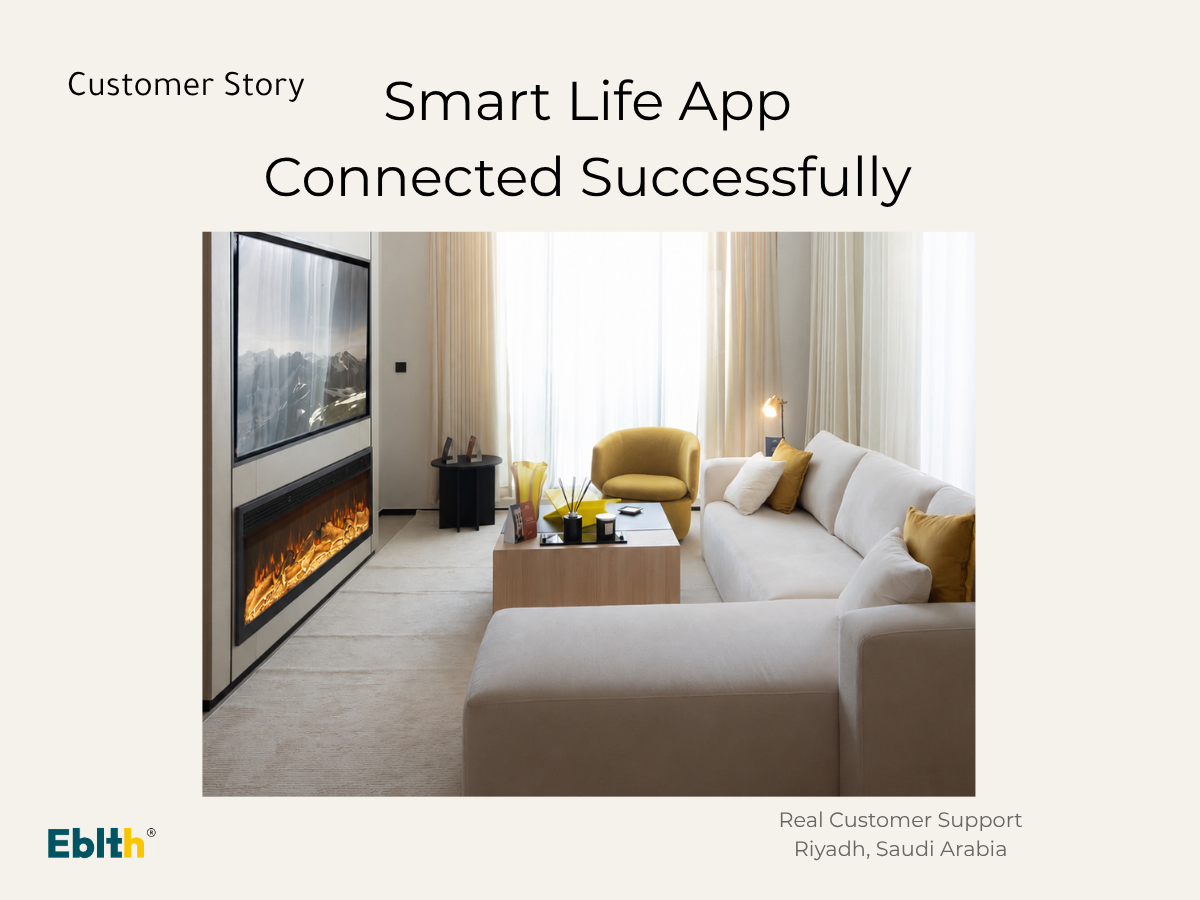
One of our customers in Riyadh contacted us after purchasing a 150cm Eblth electric fireplace on January 5, 2025.
The fireplace was working normally, but the customer couldn't connect it to the Smart Life app. After chatting with the customer on WhatsApp, we identified the cause and helped them reconnect successfully within a few minutes.
If you are experiencing the same issue, the following steps may help.
Step 1: Download the Smart Life App
Before connecting the fireplace, make sure you have installed the official Smart Life application.
Download the Smart Life App for iOS & Android
After installing the app, you can continue with the pairing process.
Step 2: One Fireplace Can Only Connect to One Mobile Phone
This is one of the most common reasons customers cannot connect.
Each Eblth electric fireplace can only remain connected to one mobile phone at a time.
If another family member has already connected the fireplace, disconnect it from the previous phone first. Once it has been removed, another phone can be paired successfully.
If you are connecting your fireplace for the first time, follow our complete connection guide.
How to Connect the Smart Life Application
Step 3: Restart the Fireplace
If the Smart Life app keeps searching but cannot find the fireplace, restart the unit.
Press and hold the Reset button for several seconds until you hear a short "beep".
This indicates the fireplace has entered pairing mode again.
Open the Smart Life app and repeat the connection process.
Still Can't Connect?
If restarting the fireplace does not solve the problem, there may be another reason, such as Wi-Fi settings or an incomplete pairing process.
We have prepared a complete troubleshooting guide covering the most common connection problems.
What to Do If the App Won't Connect
Real Customer Support Matters
In this Riyadh customer case, the fireplace itself was working perfectly. The issue was simply the connection process.
After guiding the customer through the correct steps, the Smart Life app connected successfully and everything worked normally again.
At Eblth, we continue supporting our customers after installation. Whenever you need assistance, our team is ready to help you solve the problem quickly.
